
I've been using a ps2 for maybe 2-ish years now and over the summer I finally got a PSone! I'm very lucky, I got these consoles for free. Since then, I've slowly grown a collection of games. I own more PS2 games than PS1 games, but I'm hoping to get more in the future.
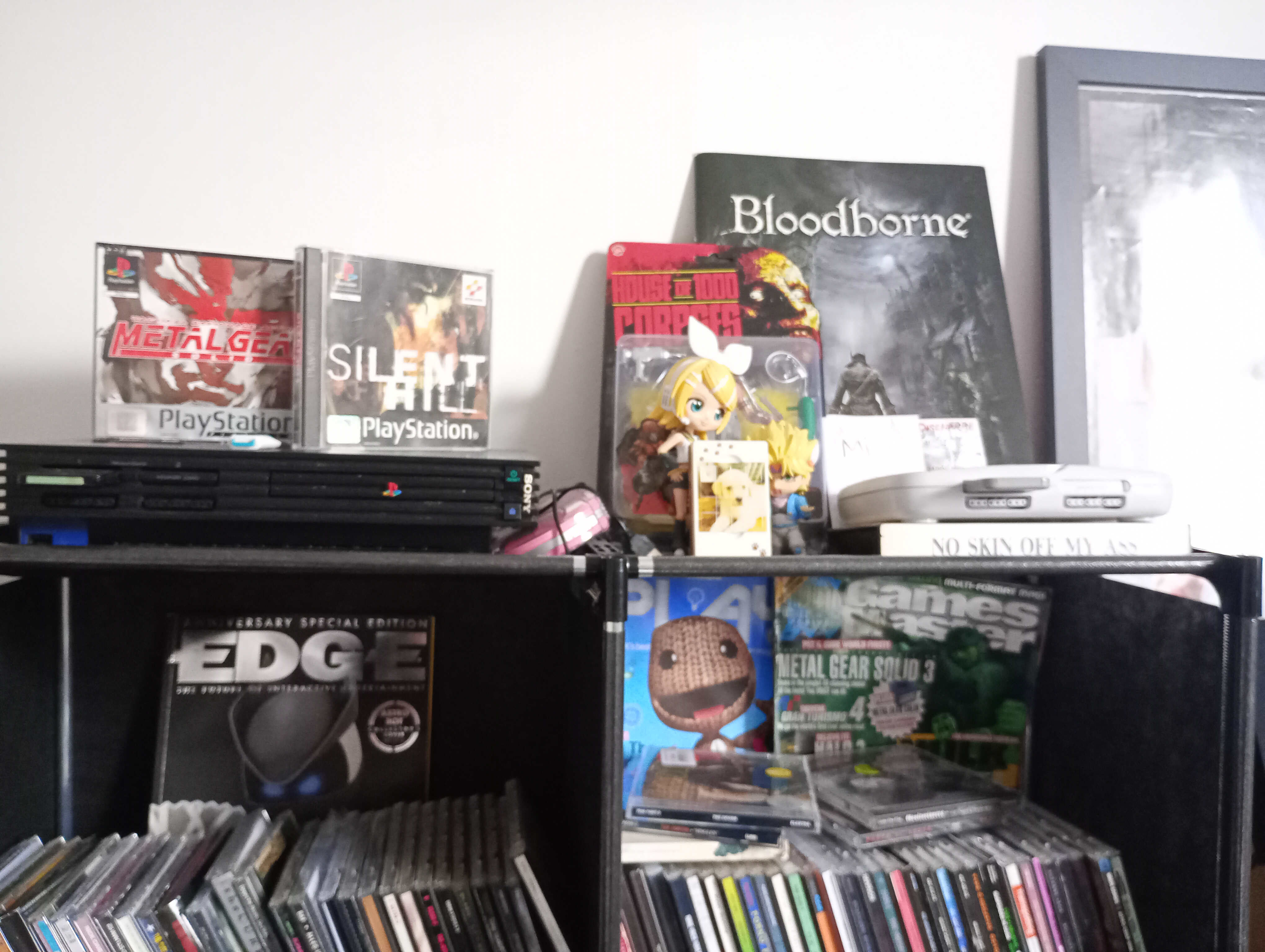
My PSone and PS2 in all their glory YAY!! (ignore my messy cd shelf hehe) Here are the only PS1 games I have :( Metal Gear Solid and Silent Hill
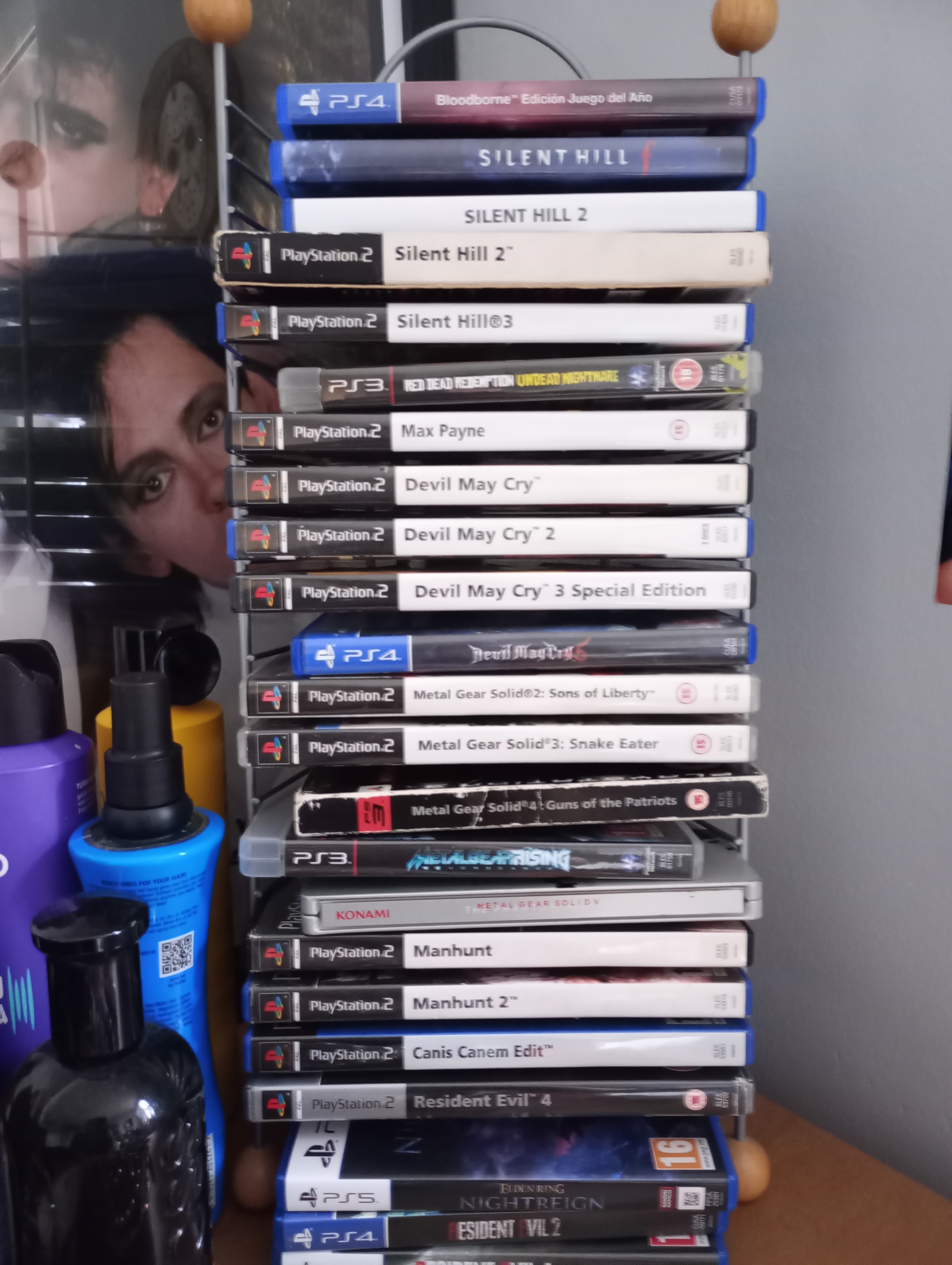
this is my little rack thing of games, all of my PS2 games are mixed in with some other ones (incl my MGS collection!)
If you are looking to try out having your own PS1/PS2 setups read this! I'll try to put helpful information here. I'm not an expert at this, but hopefully how I do things helps you. Thankfully, alot of people have helped me as well.
One of the biggest issues people face with this stuff is not having access to a CRT TV. This is due to the fact that both the PS1 and PS2 use AV. Alot of modern TVs and monitors don't support this anymore. If you have an older TV that isn't a CRT, you can still look to see if it supports AV. Some do!
Modern monitors use LED/LCD/OLED to display images, I don't know the differences between them, but the way images are displayed are vastly different than CRT. CRT paints individual lines of images.
example:
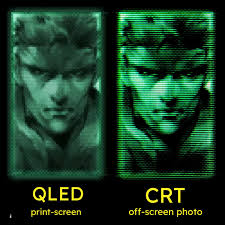
Older games are often made with a CRT in mind, so when you look at them on a modern monitor.. dont judge them too harshly! For example: Look at old Nintendo games, we often look at them like the "8-bit" style is intentional, but they are far more detailed on a CRT screen. Let's look at Solid Snake in MGS as a visual example:
Another example is Dracula in Castlevania:
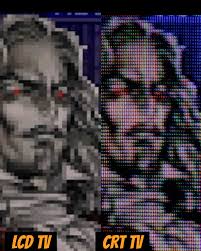
look how detailed!
This imgur post showcases how these differ really well, it goes into better detail than I have here.
If you don't have a CRT it's OK. Your game will not look like shit. Thankfully there are converters that can be plugged into a Playstation's multi-AV output. This creates a streamlined conversion to HDMI. These are often labelled as PS1/PS2 to HDMI. There's several different options. Inititally I used a PS2 to HDMI box thing, where your HDMI plugged into the back of the box. This caused issues later on though, since the power supply fell out creating a really bad picture. This box also didn't support my PS1. Since then, I've switched to a multi-AV to HDMI cable. This provided better support for both my PS1 and PS2!
CRTs and LED/OLED/LCD look very different
You DON'T need a CRT to play your games
There are several options to choose from when using a modern monitor
The cable I personally use PS2 ONLY converterThere are two versions of the original Playstation you can get: The PS1 (the big fat model) or the PSone (the little skinny one).
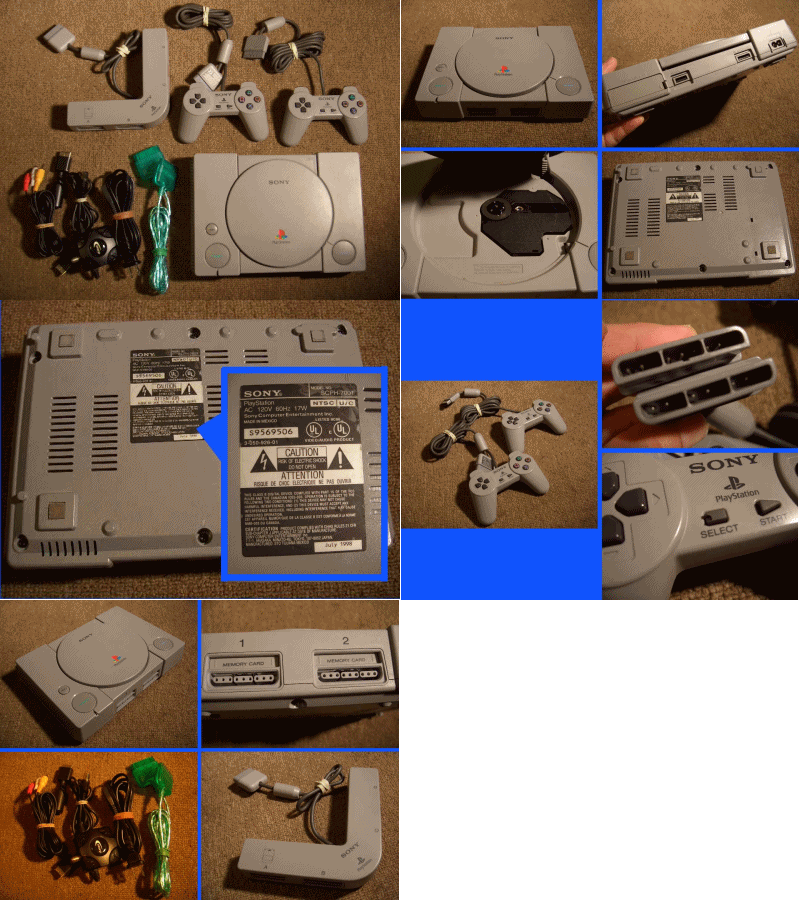
this is the fat playstation! (from GIFcities)
PS1 is often used interchangeably, but they do vary. The PS1 uses the standard power supply that ALL fat Playstations use. This means your PS5 power supply can be used with your fat PS1 model. On the other hand, the PSone (my model) uses a different power supply. This model uses the DC 7.5V powersupply. These two consoles essentially are the same, they can play the same games, use the same controllers, memory cards, etc. It's basically up to you which you prefer.Looking at EBay in the UK, many are selling both of these consoles for decent prices. At the lowest you can get the console itself (no accessories) for ~20 bucks. Some go upwards of 50-60 based on the condition, accessories, or even included games.
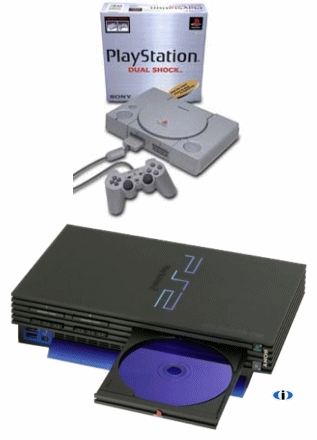
The PS2 is a lot like the PS1 with having two variants. The fat PS2 and the slim. Both of the differences from the PS1 carries over here, where the fat console can use the standard Playstation power supply and the PS2 uses DC 7.5V. One interesting thing to point out however, is that the fat PS2 is backwards compatible. This means if you have a PS1 game and PS1 memory card, you are able to play these games on your PS2. Keep in mind: some games may not look perfect on your PS2. Also, if you are using the PS2 to HDMI box, this will not work for those PS1 games. Regardless if it's played on a PS2, PS1 games just cannot be processed on that thing, you won't get any picture. If you want to use the PS2's backwards compatibility use the cable instead.
Looking on EBay in the UK, PS2s go for anywhere between 30-150 bucks. This varies a lot, usually due to model, what's included. Many people do sell them on the cheaper side, so find the best price for you!
I do have a modded PS2, but I didn't mod it myself. I was given the PS2 already modded with free mcboot. I am able to load games onto the PS2, but I can't give an indepth tutorial on how to mod it. If you want to mod your own try this.
One of the most popular options people go for is emualation. I'm not super familiar with it and I can't promise good results on it, but it seems reliable.
FreeMcboot was the way I got to experience MANY amazing games before I even bought them. I still use it often if I haven't found the game, I want to try it out, or if the game is simply too expensive.
There's a few websites that host tons of retro games, but I recommend Vimm's Lair or CD Romance. I'm using Vimm's Lair :)
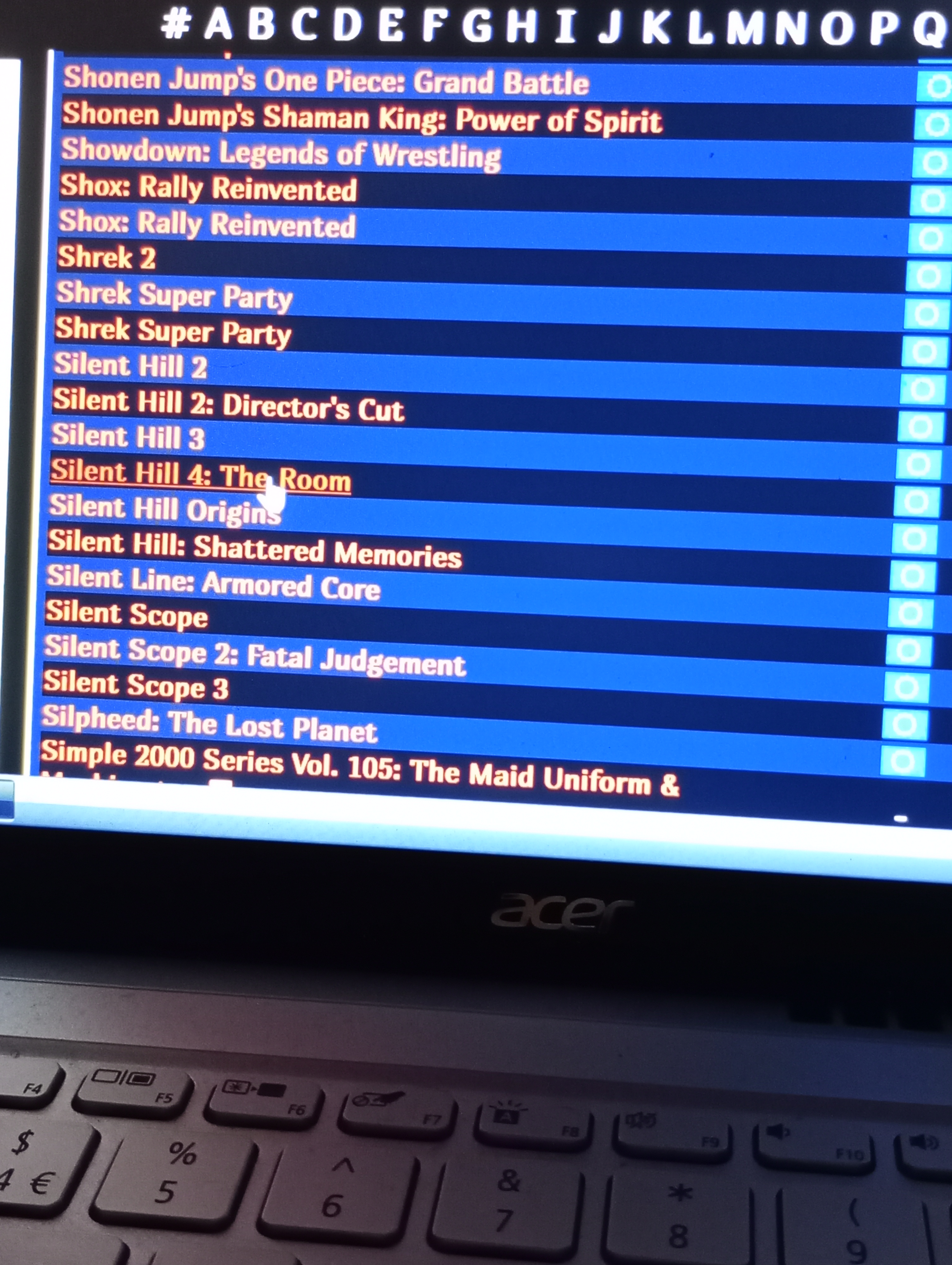
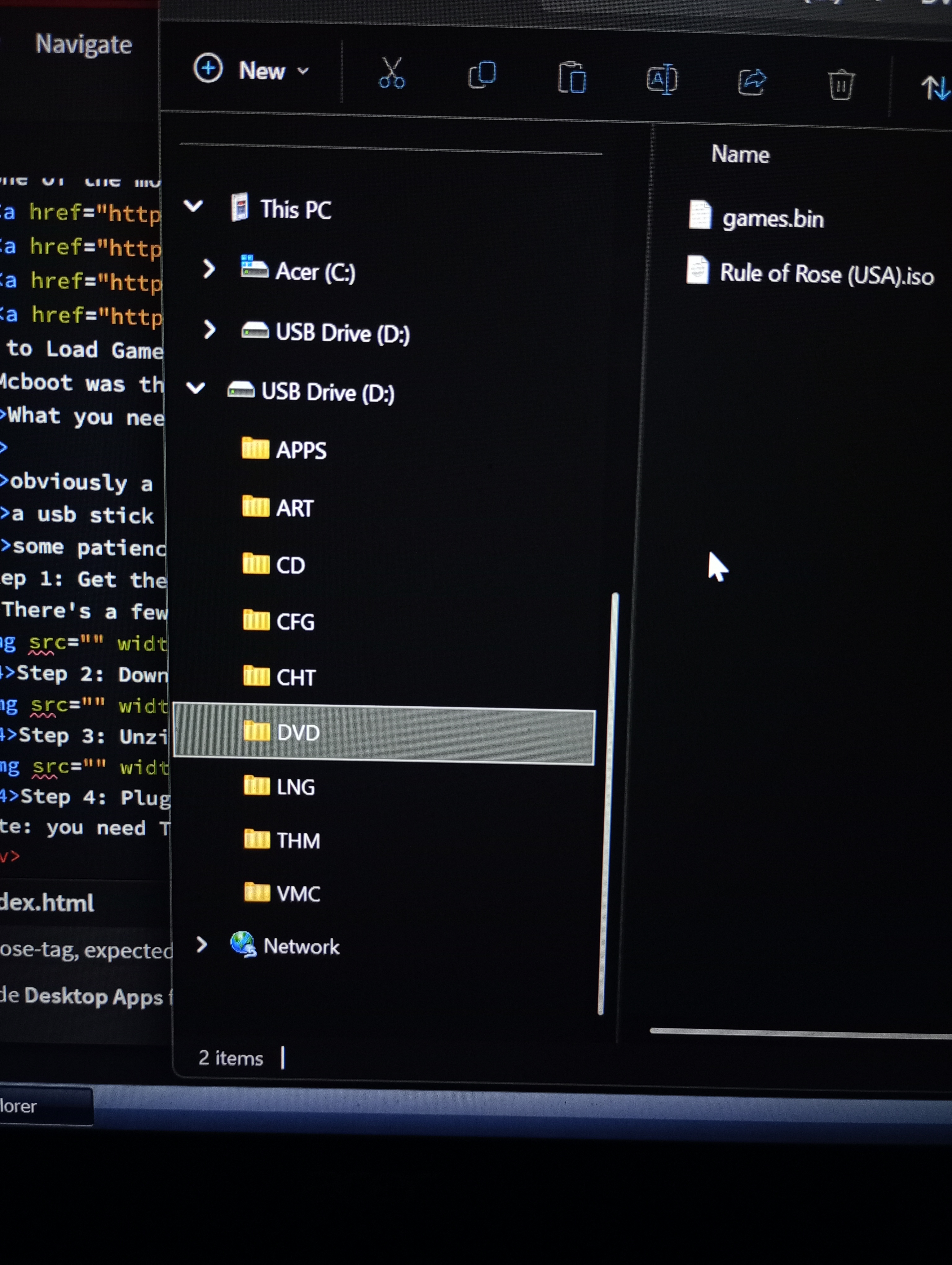
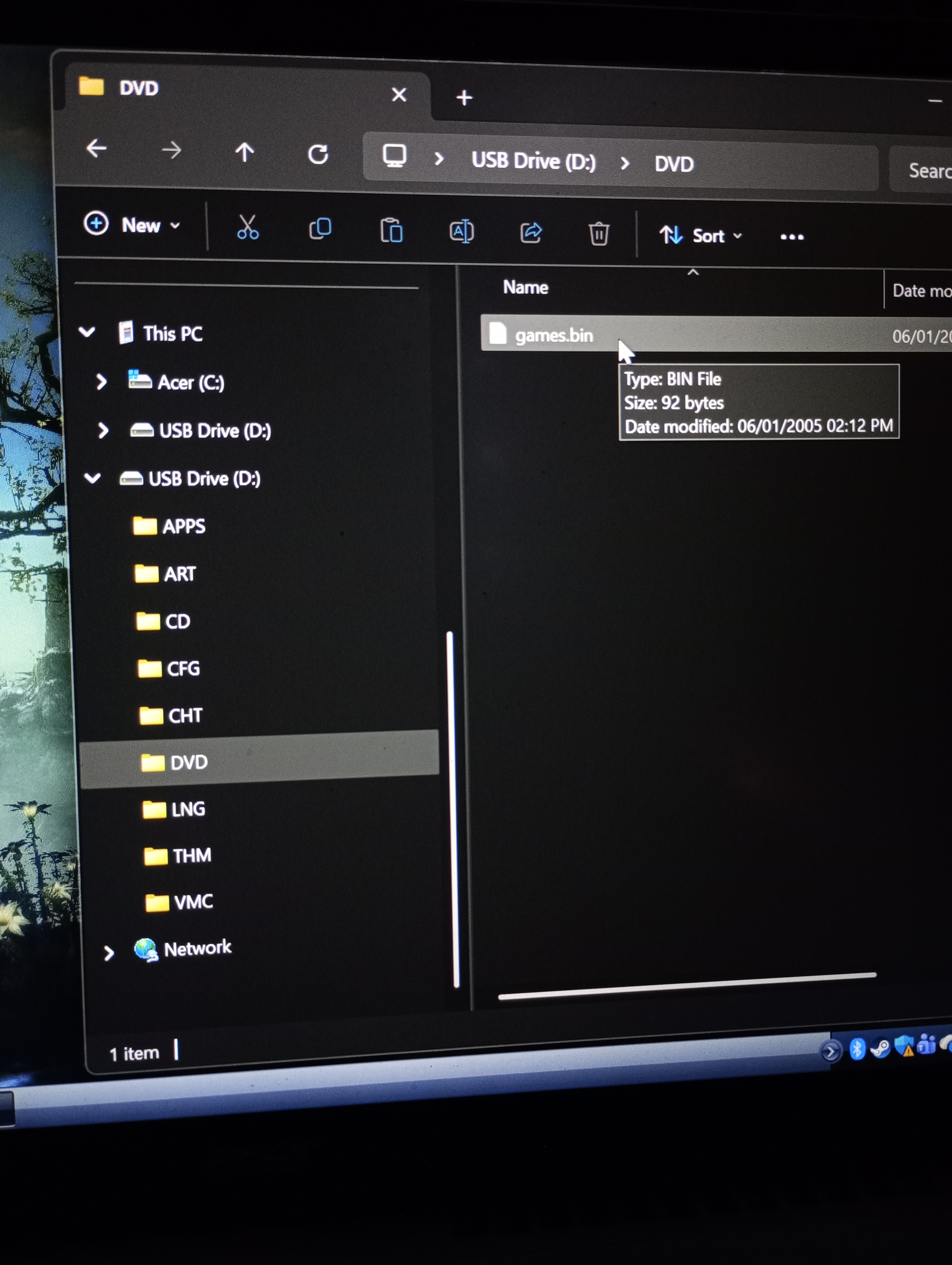
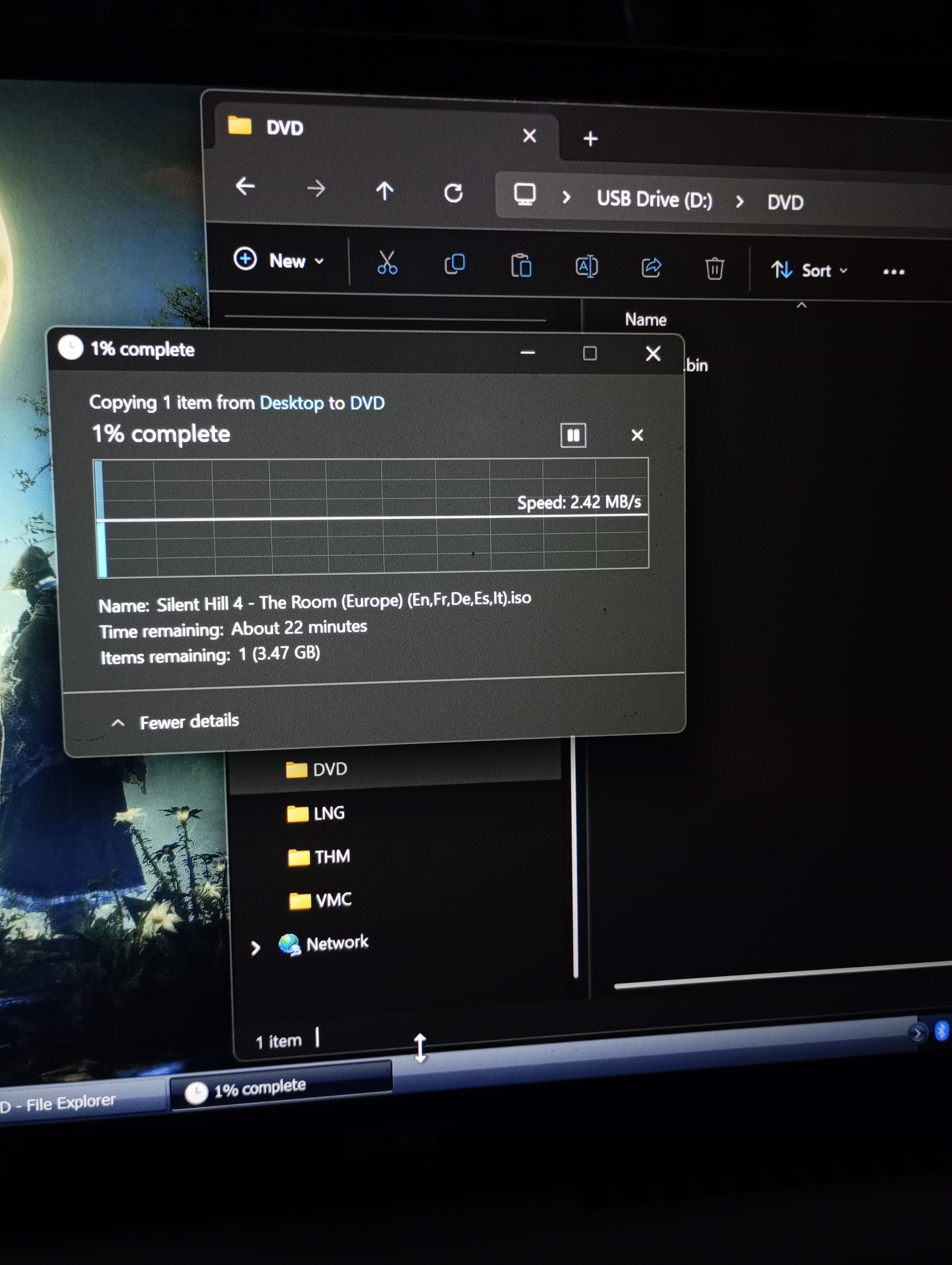
Navigate to the DVD folder on your usb, this should have game.bin in it. Then, simply drag your game into that folder and let it copy. This will take time..
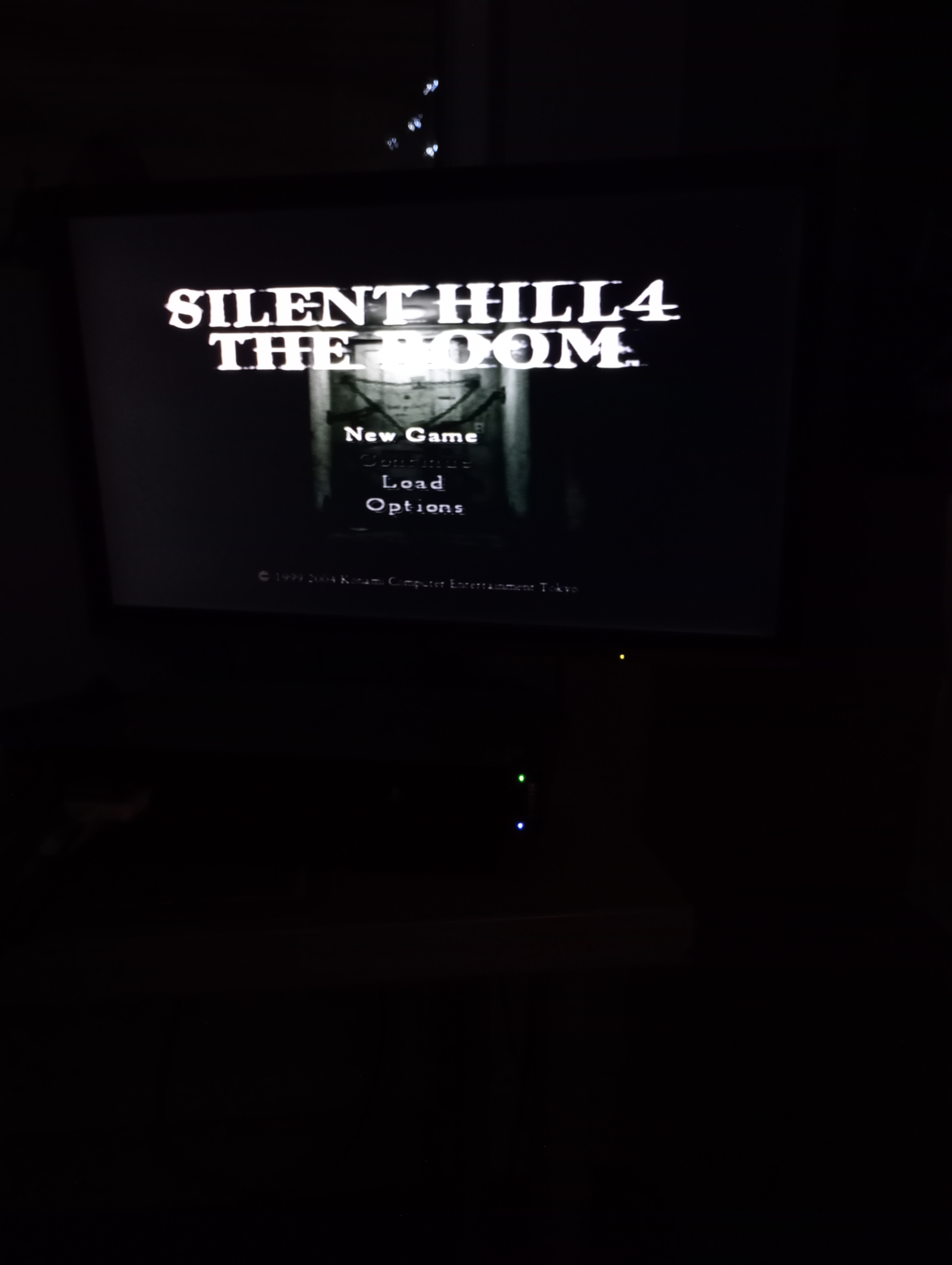
press circle > USB Games > Select your game


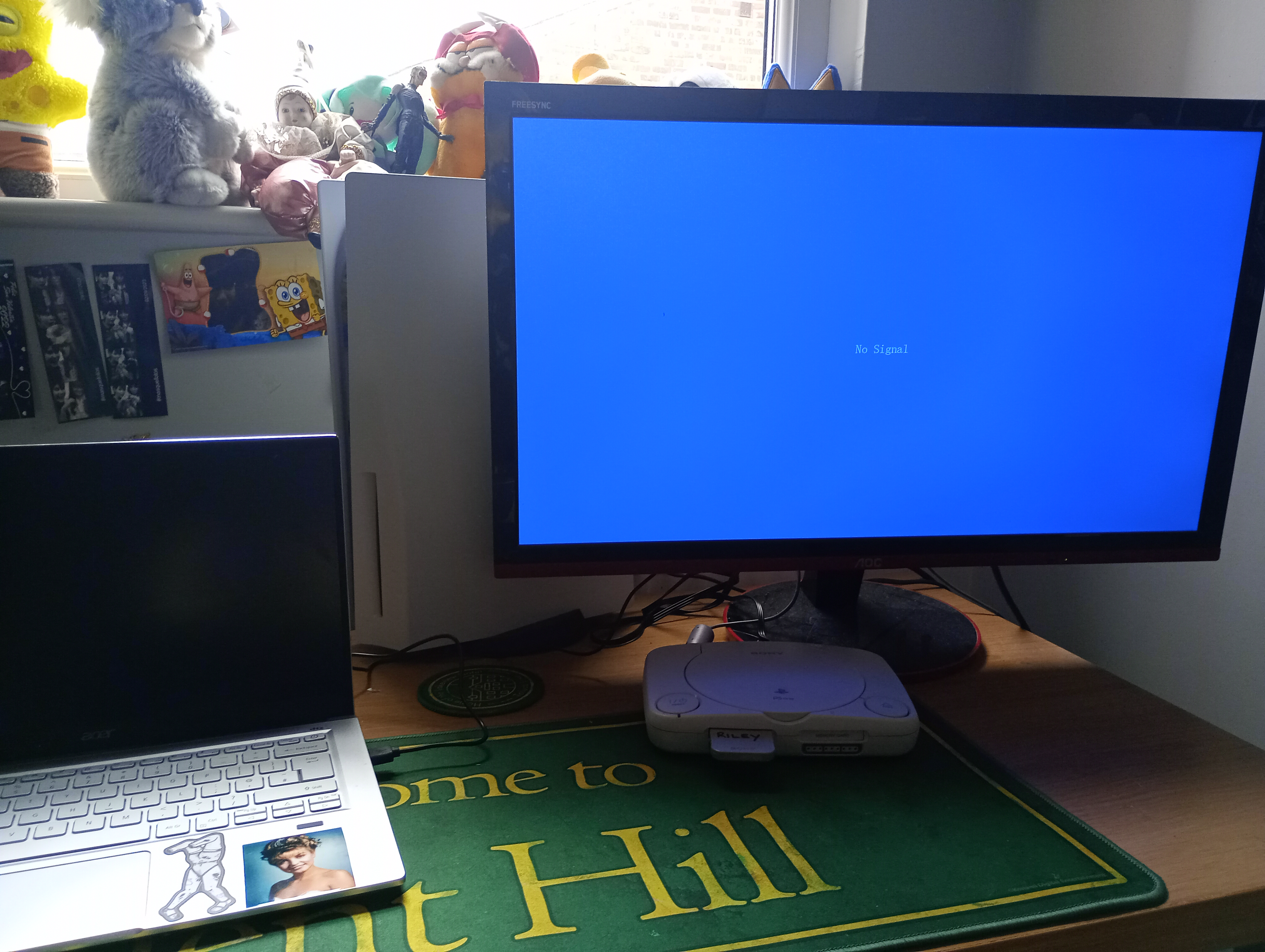
This is my PS1 on my desk, turned off with no signal (theres no good screen to show this off with). As you can see, the HDMI converter is powered by my computer! yay
this is how my game looks on my monitor. I'm trying to use a detailed cutscene that really shows off how nice these games can look. They're not perfect, but it's still really nice! This is the pre-menu FMV cutscene to Silent Hill 1.
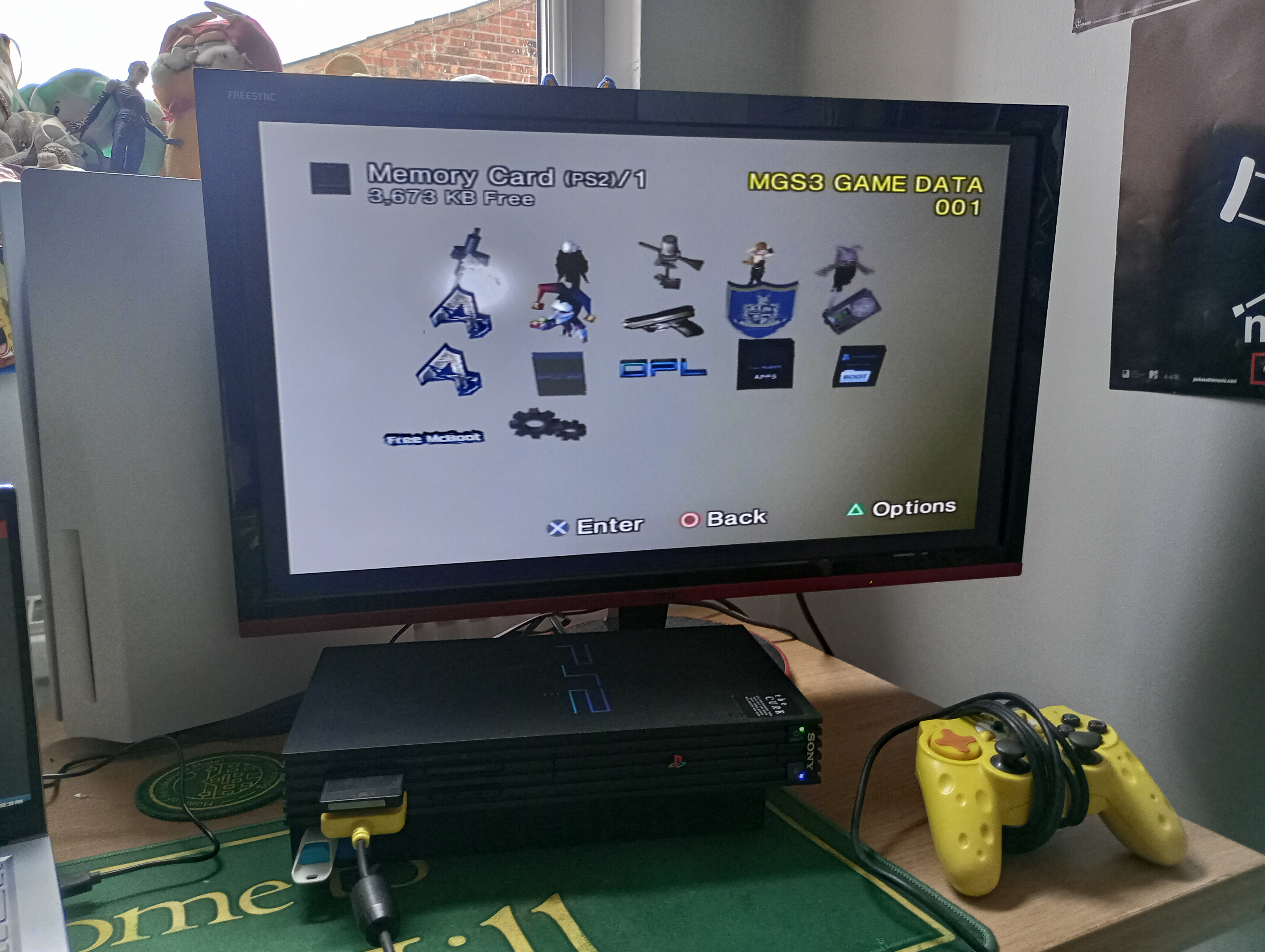
This is my fat ps2 sitting on my desk in it's browser menu!!
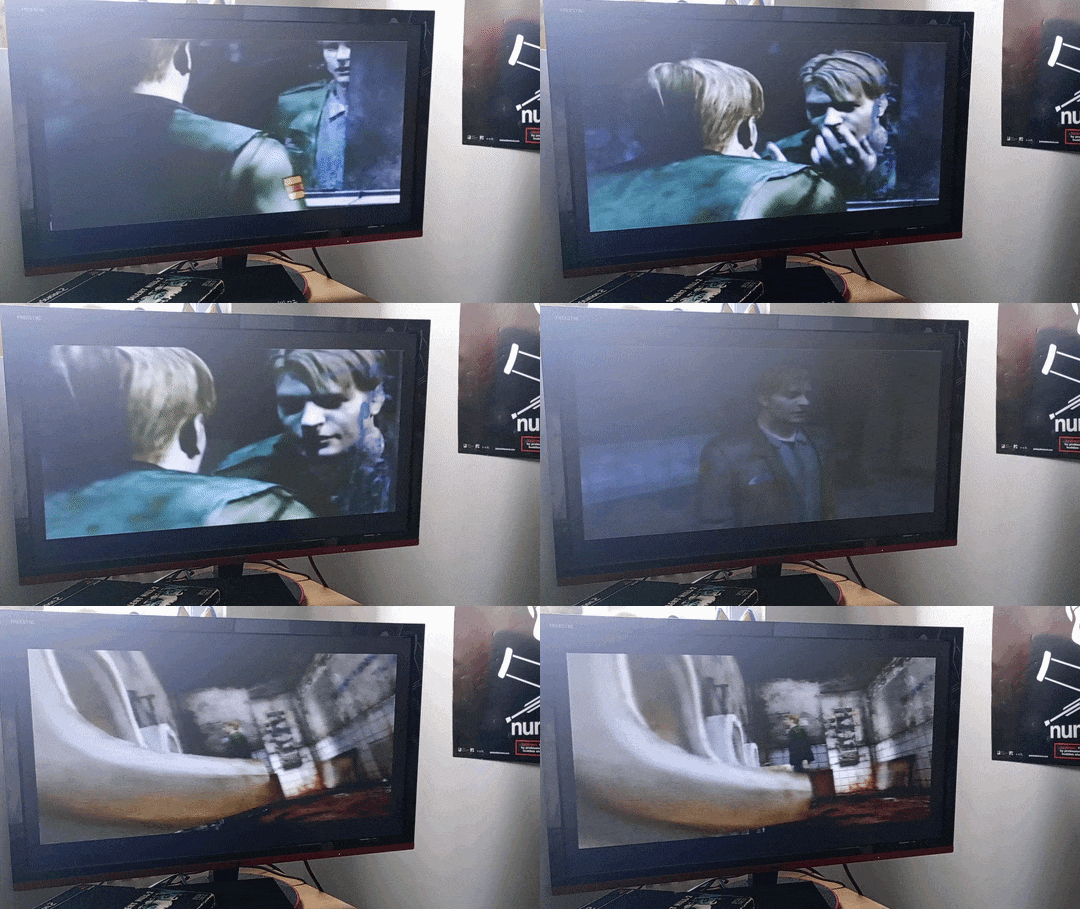
This is the intro to Silent Hill 2, I'm sorry I filmed it during the day so the sunlight gets in the way... Eventually I will add nighttime gifs!
